Organisations
Rename an organisation
Change the name people see in the organisation switcher. Renaming changes nothing else about your setup.
Owner
Only Owners can rename an organisation, so only Owners see the Settings tab. The same page holds billing.
- Check the organisation switcher at the top right shows the organisation you want to rename.
- Open Settings.
- Type the new name into Organization name and select Save changes.
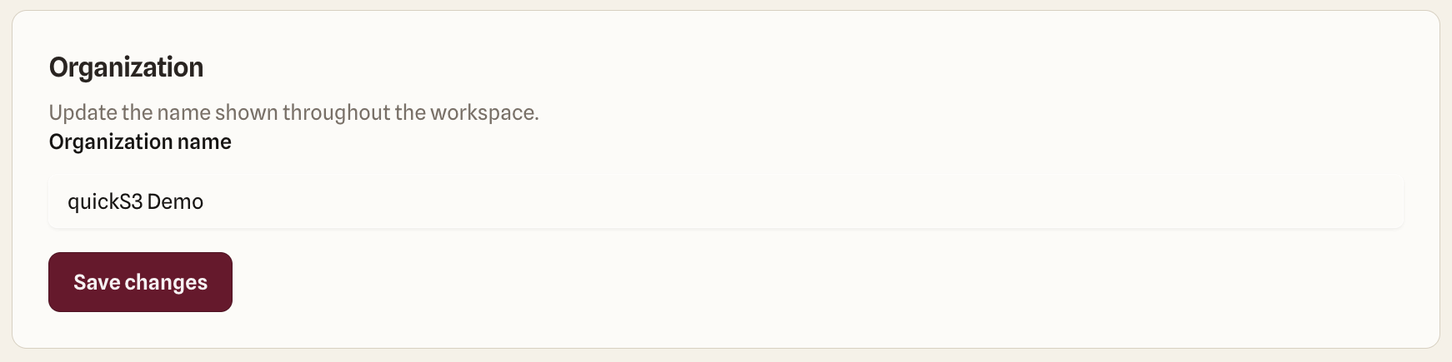
Everyone in the organisation sees the new name in their switcher. Links, connections, roles, members, and AI clients all keep working, because none of them depend on the name.
Pick a name people will recognise at a glance, especially if they belong to several organisations, like “Acme production” and “Acme staging”. Everyone in the organisation sees it, so leave customer names or anything confidential out of it.