Create a folder
Add a new folder inside a bucket, why the New folder button is sometimes greyed out, and what quickS3 actually stores when a folder is empty.
- Open the bucket and go to the folder where the new one should go.
- Select New folder.
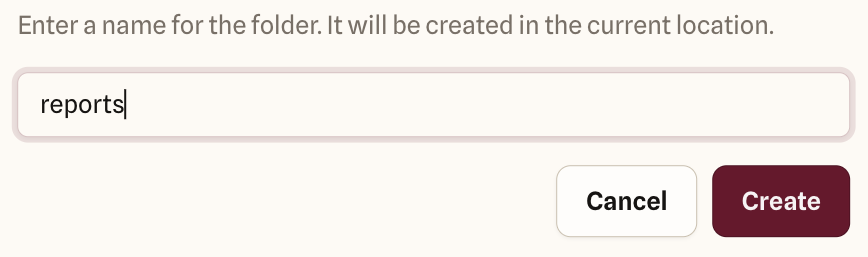
- Type a name and select Create, or press Enter.
New folder is only enabled where you have Write access. If it’s greyed out, ask an Owner or Admin for a role with Write on that bucket or folder.
Good to know
Buckets don’t really have folders. A file’s full name, like reports/2026/summary.pdf, includes its path, and quickS3 shows everything up to the last / as folders. When you create an empty folder, quickS3 stores a tiny placeholder file named reports/ so the folder shows up before anything is in it. Other tools, like your provider’s console, may show that placeholder as a file.
You only need New folder for a folder that starts out empty. Folders also appear on their own as soon as files are uploaded into them.